Intro
My first rental closet was exactly four feet wide, one sad rod, one shelf I couldn’t reach without a step stool, and a landlord who said “no” to every closet system I showed him. I’ve helped dozens of renters in the same spot since then, and here’s what I’ve learned: when you can’t change the closet, you change how you *see* the closet. That’s what digital closet tools do. They turn the phone already in your pocket into a tiny-closet command center — no drilling, no hardware, nothing to uninstall on move-out day, and most of them cost nothing to start.
This is part two of our wardrobe organization deep dive. In part one we handled the physical side: the layout, the folding, the no-drill upgrades. Now we’re going fully digital. I’ve personally tested or walked renters through every category below, and I’ve ordered them by impact — start at the top and work down, because idea number one alone can change how you get dressed every morning. One honest note before we start: app features and prices change fast, so treat my cost notes as approximate and check the current listing before you pay for anything.
Executive Summary
- Photograph your clothes once and your phone becomes a searchable closet that moves with you — the single highest-impact step for tiny rental closets.
- Outfit-planner apps end the “I have nothing to wear” spiral by building outfits from pieces you already own, which means fewer impulse purchases.
- Most tools in this guide have genuinely useful free tiers; you can run your entire digital closet for about $0 a month.
- Capsule-wardrobe calculators and seasonal-rotation planners are purpose-built for small closets: 25–35 well-chosen pieces beat 100 forgotten ones.
- Resale and donation-pickup apps clear the closet without a car — mail-in kits and scheduled pickups do the hauling for you.
- AI styling assistants are powerful but come with a real privacy tradeoff: read the privacy policy before uploading photos of your wardrobe.
1. Outfit-Planner Apps — Build Outfits From Photos of Your Clothes

What it is: These apps let you photograph your actual clothes, and the app cuts each piece out of its background so you can drag tops, bottoms, and shoes together into complete outfits on your screen. Think of it as a paper-doll version of your own closet. The well-known examples are Stylebook (a longtime favorite with a one-time purchase), Whering (a generous free tier with wardrobe and outfit planning), and Combyne (which leans social, so you can share outfit ideas with friends).
Why it works for renters: An outfit planner takes up zero square feet, which matters when your “dressing area” is the six inches between your bed and the wall. I’ve watched renters go from wearing the same five outfits on rotation to suddenly “discovering” twenty combinations they already owned — and every outfit you build from existing clothes is a $40 impulse top you don’t buy.
How to start:
- Hang ten of your most-worn pieces on hangers against a plain wall or door and photograph them in daylight.
- Let the app remove the backgrounds (all three examples above do this automatically).
- Build five go-to outfits: two for work, two casual, one dressy.
- Tag each outfit by occasion — “office,” “weekend,” “date night” — so you can filter in seconds.
- Once a month, check which pieces never appear in any outfit; those are your declutter candidates.
One more tip from experience: photograph new purchases the day they come home, before the tags come off. It takes thirty seconds, and it means every outfit you build from that day forward includes the new piece — which is how you actually integrate new clothes instead of letting them sit in the “new stuff” pile on your dresser for a month.
Approximate cost: Free tiers cover the basics on Whering and Combyne; Stylebook is roughly a $5 one-time purchase. No subscription required to run your daily outfits.
2. Closet Inventory and Catalog Apps — Photograph Everything, Tag by Category

What it is: A catalog app is the spreadsheet your closet always needed. You photograph every garment, then tag it by category, color, season, and size, so you can search “blue work tops” instead of digging through a stuffed rod. Good examples are GetWardrobe (clean cataloging with outfit features), Pureple (which markets itself as an automatic outfit planner), and OpenWardrobe (a free, open-source option for renters who prefer to keep their data on their own devices).
Why it works for renters: Three reasons, and the third one surprises people. First, you stop rebuying duplicates — the app tells you that you already own three black cardigans. Second, your entire inventory survives a move; photograph once, and your “closet” is on your phone in the new apartment before you’ve unpacked a box. Third, a dated photo inventory is genuinely useful for renter’s insurance claims if anything is ever stolen or damaged — I’ve had two renters thank me for this one after the fact.
How to start:
- Work category by category (all tops, then all bottoms) so it feels manageable, not overwhelming.
- Photograph each piece flat or on a hanger in natural light.
- Tag the essentials: category, color, season, and size — skip the fancy fields until the habit sticks.
- Add the purchase price on anything valuable; that’s your insurance record.
- Back up or export your catalog once it’s complete, especially before a move.
For the insurance angle specifically: photograph any piece worth more than about $75 with its receipt or order confirmation nearby, and keep the whole catalog in cloud backup. I tell renters to do this the same weekend they photograph their apartment’s condition for the move-in checklist — you’re already in documentation mode, so fold the wardrobe in. If a pipe bursts over your closet or a bag gets stolen from your car, you’ll be glad the record exists.
Approximate cost: Free for OpenWardrobe and the basic tiers of GetWardrobe and Pureple; premium cataloging features run roughly $3–$6 per month if you want them.
3. Capsule-Wardrobe Calculators — Do the Math on a 30-Piece Closet
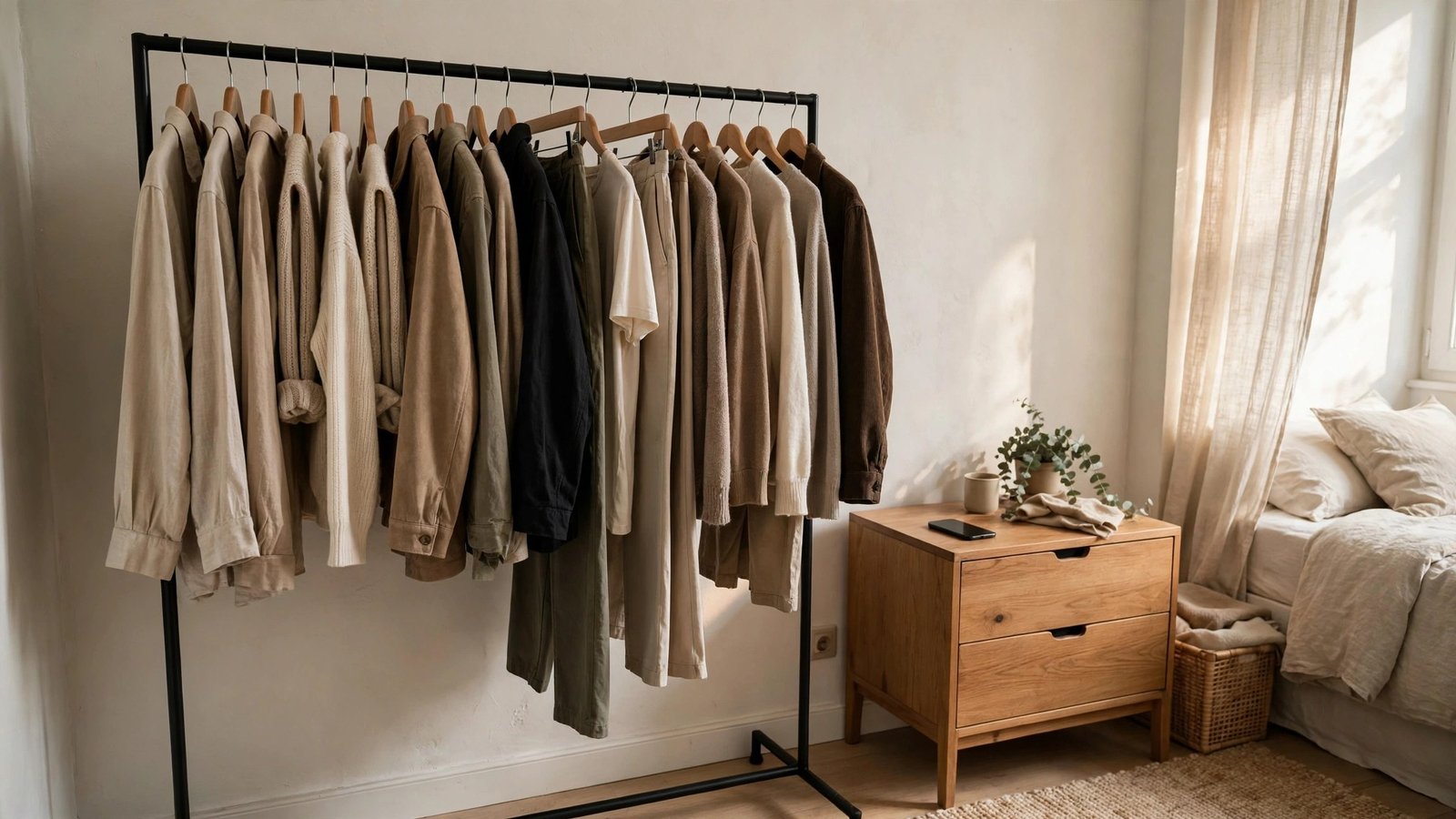
What it is: A capsule calculator helps you shrink your wardrobe to a small set of pieces that all work together — typically 25 to 37 items per season — and shows you the outfit math: how many combinations those pieces actually create. Stylebook’s closet statistics reveal which pieces earn their place, Whering lets you group capsule collections and count the outfits inside them, and Smart Closet offers wardrobe stats that flag your least-worn items as capsule cuts.
Why it works for renters: A four-foot rental rod physically cannot hold a hundred garments, but it holds a 30-piece capsule beautifully, with room to actually see everything. I’ve noticed renters with capsules also have the calmest-looking closets, because every piece was chosen to match. And when your lease ends, a capsule packs into two suitcases — try that with a maximalist wardrobe.
How to start:
- Count what you currently own by category — the real number usually shocks people.
- Identify your ten most-worn pieces; they’re the backbone of your capsule.
- Choose a palette: three neutrals you love plus one or two accent colors.
- Draft your capsule list (aim for 25–37 pieces including shoes) inside the app.
- Box everything else for 30 days. If you don’t reach for the box, those pieces can leave.
If the 25-to-37 number feels arbitrary, try the well-known Project 333 challenge as your training wheels: 33 items, including shoes, for 3 months. It was designed for exactly this — proving to yourself that a small, intentional wardrobe covers real life. Most renters who try it tell me the hardest part is the first week and the easiest part is everything after, because getting dressed stops being a decision.
Approximate cost: Free — the capsule features in these apps sit inside their free tiers, and the method itself costs nothing.
4. Seasonal-Rotation Planners — Swap Your Closet Twice a Year, Not Daily
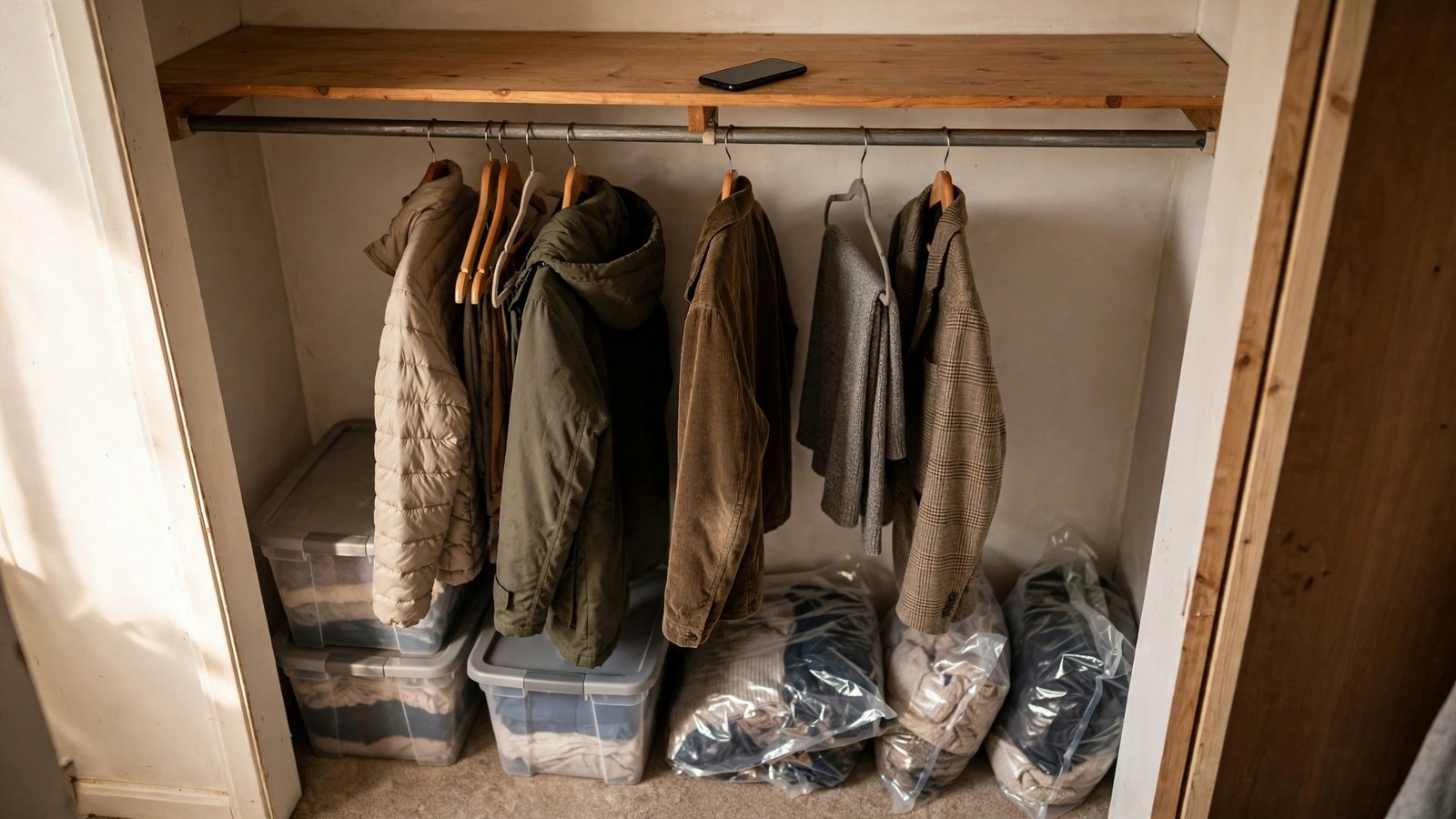
What it is: These tools schedule and track your seasonal closet swap: heavy coats and boots go into under-bed storage in April, sundresses and sandals take their place, and everything reverses in October. Whering and GetWardrobe both let you tag pieces by season and filter your visible wardrobe, and honestly, your phone’s built-in reminders app does the scheduling half perfectly well.
Why it works for renters: Off-season clothes are the number-one space thief in small rental closets. I’ve seen renters reclaim a full third of their rod just by moving winter coats to vacuum bags under the bed. A rotation plan also protects your deposit-adjacent sanity: no more sweaters stretched out on hangers all summer because there was nowhere else to put them.
How to start:
- Tag every item in your catalog app with its season (or seasons — that blazer might be three-season).
- Pick your two swap weekends — I like the first weekends of April and October.
- Pack off-season pieces in under-bed bins or vacuum bags, with cedar or lavender sachets if you like.
- Photograph the contents of each bin and save the photos in a “storage” album on your phone.
- Set a recurring phone reminder for both swap dates so you never “forget until December.”
A quick word on the bins themselves, since renters ask me this constantly: flat under-bed bins work for folded knits, vacuum-seal bags are best for puffy coats and comforters, and lidded fabric boxes stack neatly on that high closet shelf you can barely reach. Label every container on two sides with painter’s tape and a marker — “WINTER: sweaters + scarves” — because in October you will not remember what’s in the unlabeled bag, I promise you.
Approximate cost: Free. The apps’ season filters are free features, and your phone’s reminders cost nothing.
5. Declutter, Donation, and Resale Apps — Clear the Closet Without a Car
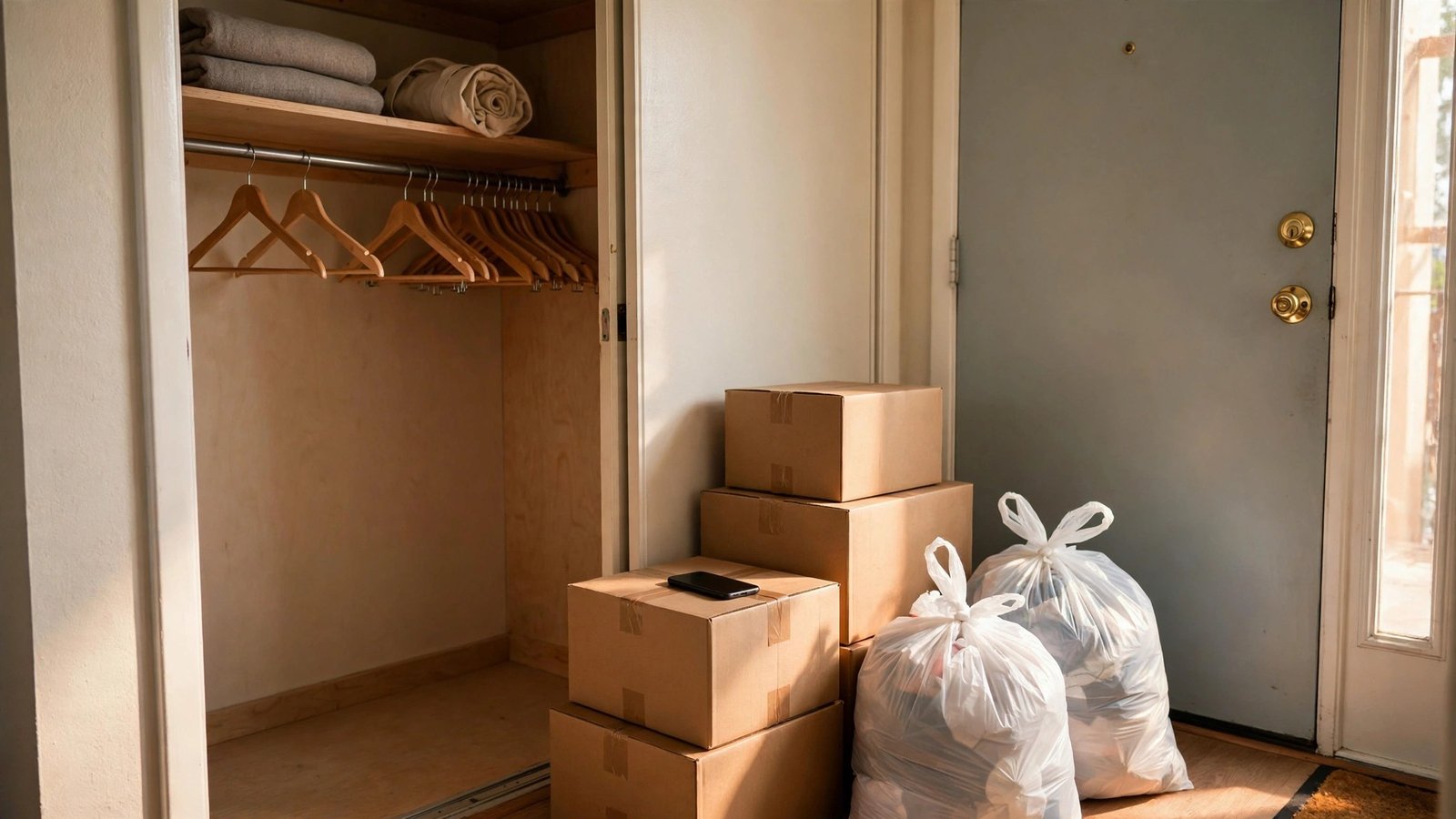
What it is: This category covers the apps that get clothes *out* of your apartment: resale marketplaces where you sell pieces yourself (Poshmark, Depop, and Vinted all have big secondhand audiences), mail-in services like ThredUP’s Clean Out Kit where the company sends you a bag and you send back what you don’t want, and donation-pickup scheduling through national charity websites and local nonprofit pages.
Why it works for renters: Here’s the part that matters most: many renters don’t own cars, and hauling six garbage bags of donations to a drop-off across town is exactly the kind of errand that never happens. Mail-in kits and scheduled doorstep pickups remove the car from the equation entirely — the bag leaves your apartment and you never lift anything heavier than a tote. I’ve had car-free renters clear an entire closet in one weekend this way.
How to start:
- Pull everything out of the closet at once — the “big sort” works better than dithering piece by piece.
- Make three piles: keep, sell, donate. Be honest about the sell pile; stained basics belong in donate.
- List the sell pile on ONE resale app (batch your photos in one sitting to keep momentum).
- Bag the donate pile and schedule a doorstep pickup or request a mail-in kit the same day.
- Log what left in your inventory app so your digital closet stays accurate.
Pricing your resale listings is where most beginners stall, so here’s my rule of thumb: search the app for your exact item or its closest cousin, price five to ten percent below the going rate for a quick sale, and accept that the first listing teaches you the market. Photograph flaws honestly — a close-up of a tiny scuff builds more trust than a perfect-looking listing does. And don’t list anything you’d be embarrassed to ship late; one bad review slows every future sale.
Approximate cost: Free to list on resale apps (they take a percentage only when items sell); mail-in kits are typically free with payout based on what sells. Donation pickups are free.
6. Smart Tape-Measure and Closet-Dimension Apps — Only Buy What Actually Fits

What it is: These apps turn your phone into a measuring tape. Apple’s free Measure app (on iPhones with LiDAR it’s impressively accurate) handles quick rod-length and shelf-depth checks, magicplan builds simple floor plans you can sketch your closet into, and RoomScan Pro can map a small space just by tapping your phone against the walls.
Why it works for renters: Nothing wastes money like a garment rack that’s two inches too wide for the only available corner, or storage bins that don’t clear the closet door. I’ve seen renters order organizers three times before measuring once — this category exists so you measure first. Keep a “closet card” in your phone notes with your rod length, shelf depth, and floor clearance, and consult it before every purchase.
How to start:
- Measure the three numbers that matter: hanging rod length, shelf depth, and open floor space in front of the closet.
- Save them as a note titled “Closet dimensions” — add a photo of the closet for reference.
- Measure any furniture or organizer before you buy it, and compare on the spot.
- Screenshot the product dimensions from the listing and keep them with your closet card until the item arrives.
- Re-measure after move-in at each new apartment; no two rental closets are the same.
This habit pays for itself the first time you shop for a freestanding garment rack — the renter’s extra closet. Racks list their width down to the inch, and your corner is whatever your corner is. Measure the corner, screenshot the rack’s dimensions, and compare before you order. The same goes for over-the-door hooks (measure your door’s thickness and the gap above it) and slim velvet hangers (count your rod inches, divide by half an inch per hanger, and you’ll know exactly how many fit).
Approximate cost: Free for Apple’s Measure app and the basic tiers of the others; pro plan features run roughly $10–$15 per month, but the free tier is genuinely enough for closet planning.
7. Laundry-Care Tag Scanner Apps — Stop Ruining Clothes in Shared Machines
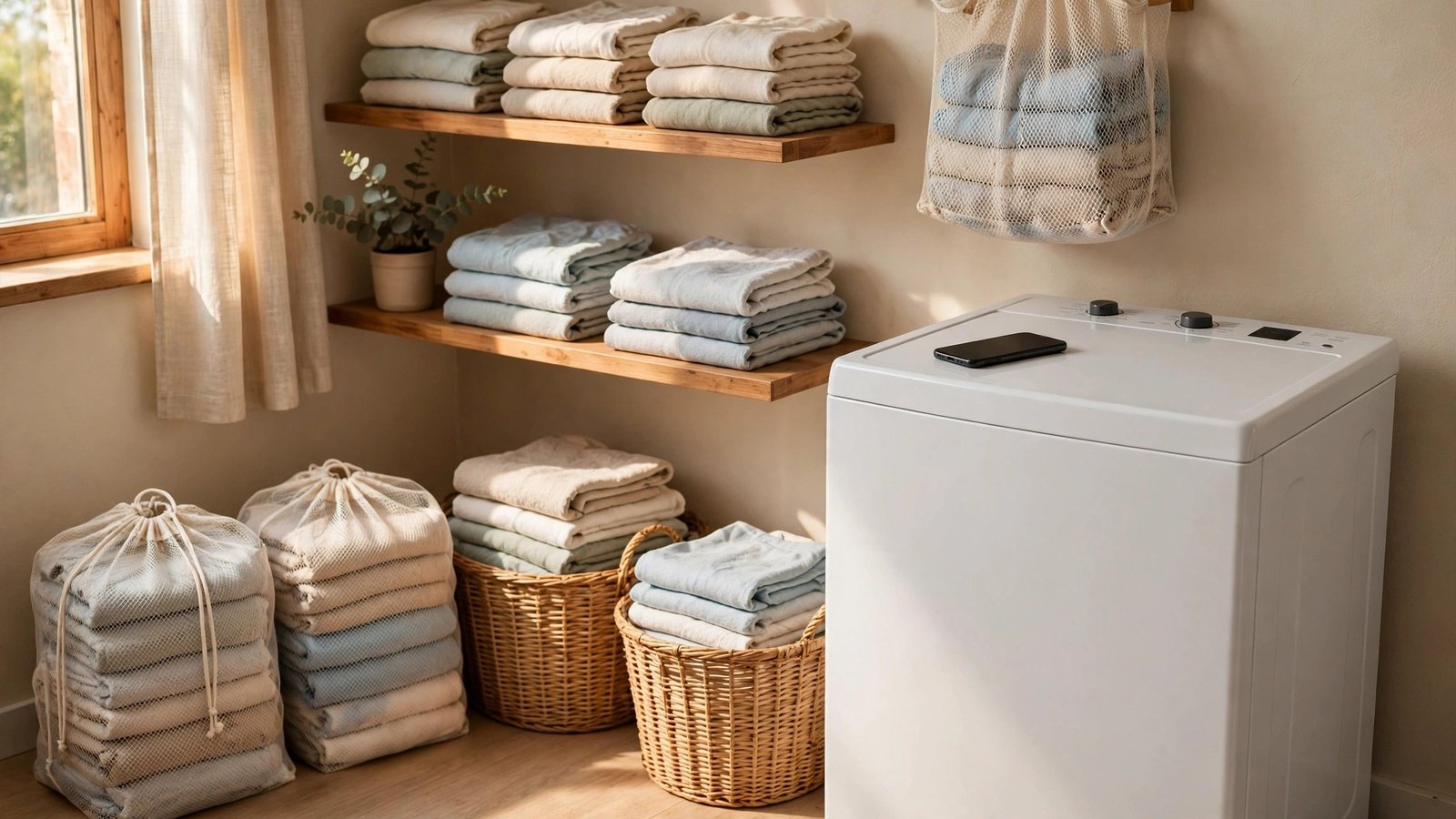
What it is: Point your camera at a care label and these apps decode the cryptic symbols into plain instructions — that triangle with lines through it finally means something. GINETEX’s myLabel app is built exactly for this by the organization behind the symbols themselves, and several independent care-symbol decoder apps do the same job with a quick photo.
Why it works for renters: Most renters share laundry machines they don’t control — unpredictable water temperatures, dryers that run hot, no delicate cycle in sight. When your entire wardrobe fits in one closet, shrinking your favorite sweater is a genuine wardrobe emergency, not a minor annoyance. I’ve started telling renters to scan every care tag the day they buy something, before the tag fades or gets cut out.
How to start:
- Download a care-symbol decoder and scan the tags on your ten most-worn pieces first.
- Save any “dry clean only” or “lay flat to dry” items as a flagged list in your phone.
- Sort laundry loads by care symbols, not just by color — delicates together, sturdy cottons together.
- Photograph the care tags of new purchases before the first wash, while the tags are still legible.
- Share the app with roommates; one person’s hot dryer ruins everyone’s clothes.
I’ll add one shared-laundry survival tip that has nothing to do with apps: keep a small mesh laundry bag for delicates and a permanent marker to initial your bag. In a building with twenty tenants and four machines, the mesh bag is what keeps your bras and silk blouses out of the industrial dryer, and your initials are what bring the bag home. The app tells you what the symbols mean; the mesh bag makes sure the symbols get followed.
Approximate cost: Free. The decoders are free apps, and the habit costs nothing.
8. Weather-Based Outfit Apps — Dress Right for Your Actual Commute
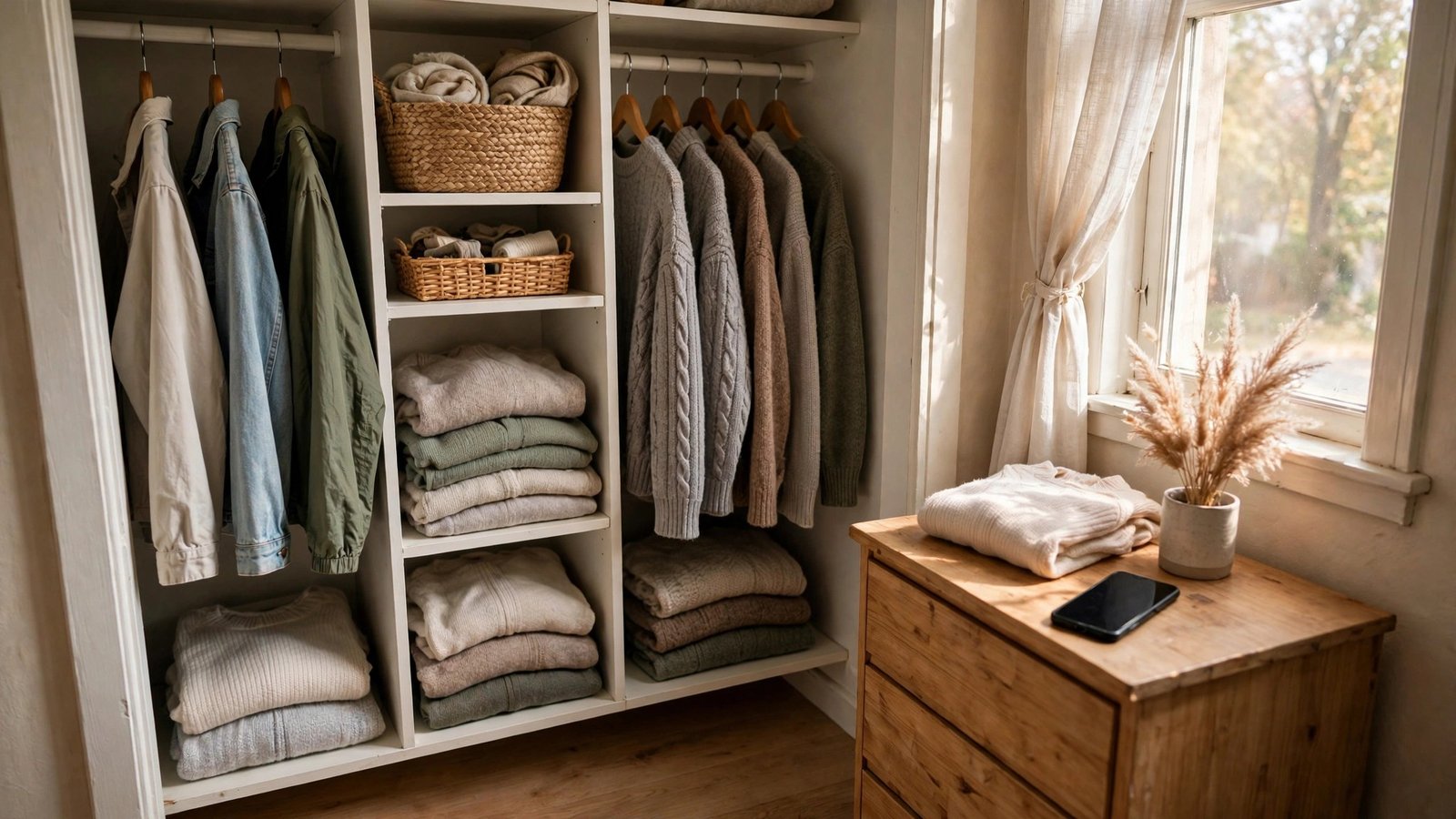
What it is: These apps answer the 7 a.m. question — “what do I actually wear today?” — using real weather data. Swackett has been suggesting outfits based on conditions for years, Dress for the Weather gives straightforward what-to-wear guidance by temperature, and pairing either with your phone’s built-in weather app covers the basics.
Why it works for renters: So many renters walk, bike, or take transit, which means you’re *in* the weather, not dashing from garage to office. Guessing wrong means either shivering or hauling a “just in case” jacket all day. I’ve noticed that renters who plan by weather also buy fewer redundant layers — three well-chosen jackets in the app beats six forgotten ones on the rod.
How to start:
- Tag your outerwear and layers by temperature range in your inventory app (e.g., “40–55°F”).
- Check your weather outfit app each morning while the coffee brews — make it a two-minute habit.
- Build three weather templates: hot-day, mild-day, and cold-day uniforms you can grab without thinking.
- Keep one emergency layer (a packable rain shell or cardigan) at work or in your bag, not in the closet.
- At each season change, review which temperature tags you never used and consider letting those pieces go.
Transit commuters get the most out of this category, so here’s a layering formula that works from October to April: a breathable base layer, a mid-layer you can remove indoors, and a windproof or waterproof shell. Three pieces, endless combinations, and everything fits in a work tote when the afternoon warms up. Plan the formula once in your weather app’s notes, and the daily “what do I wear” question answers itself.
Approximate cost: Free. The outfit-by-weather apps are free, and your phone already has a weather app.
9. Wardrobe Budget and Wishlist Trackers — Stop Buying Your Fifth Black Tee
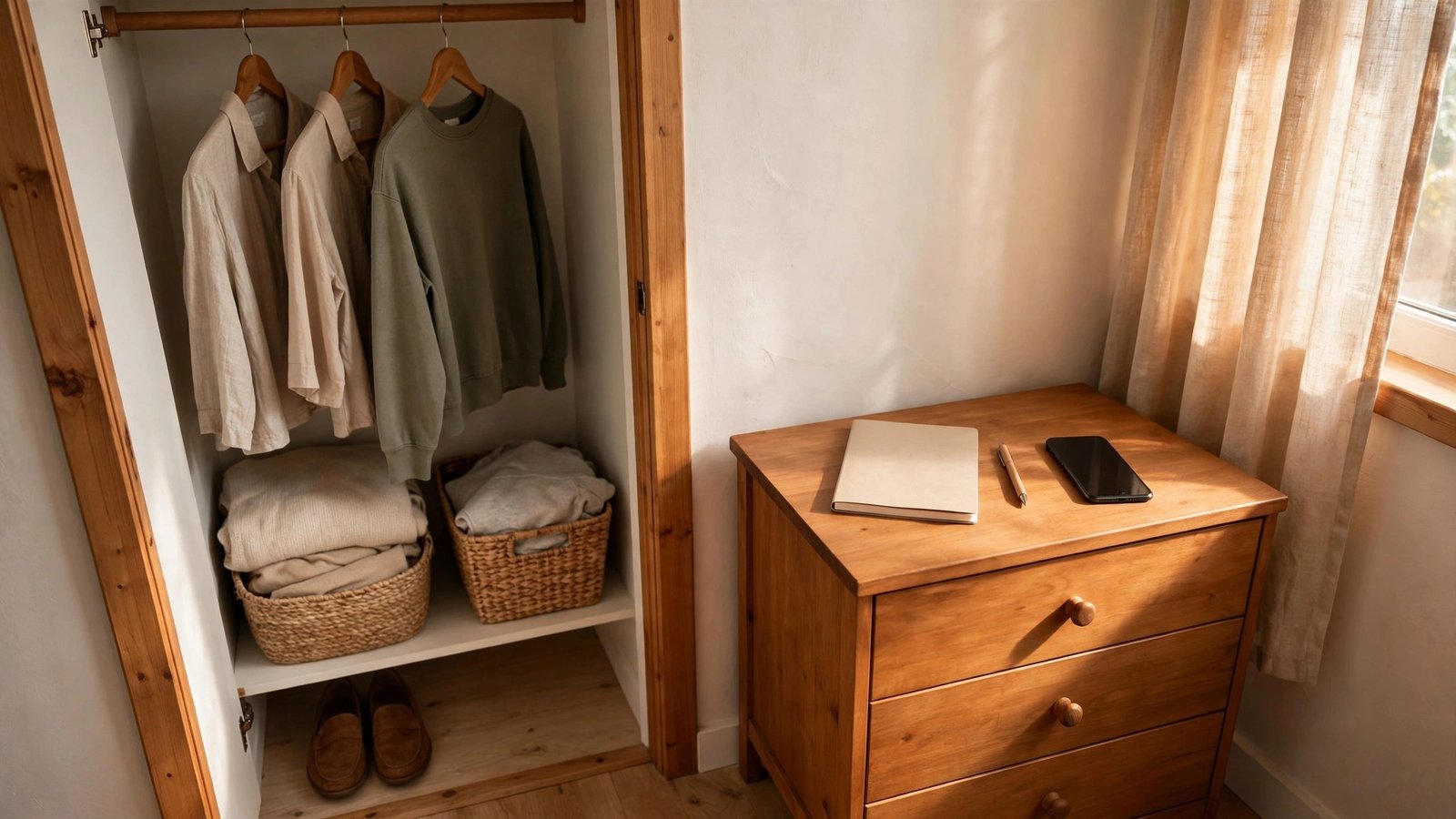
What it is: These tools put your clothing spending where you can see it. Stylebook tracks cost-per-wear automatically (that $120 blazer worn 60 times costs $2 per wear; the $30 top worn once costs $30), Whering includes wishlist and wardrobe-value features, and a simple spreadsheet or notes template works perfectly well if you prefer zero apps.
Why it works for renters: Renter budgets are real budgets, and duplicate purchases are the silent budget killer — the fourth black tee, the second pair of nearly identical jeans. I’ve watched renters cut their clothing spending nearly in half just by keeping a 30-day wishlist: if you still want it in 30 days, buy it; most of the time, you won’t. Cost-per-wear also reframes “expensive” — quality pieces you wear constantly are the cheapest clothes you own.
How to start:
- Set a seasonal clothing budget — one number, written down, where you’ll see it.
- Start a 30-day wishlist: every “want” goes on the list with the date, no instant purchases.
- Log each purchase with its price in your tracker the day you buy it.
- Once a month, check your cost-per-wear numbers and notice which pieces were actually worth it.
- Adopt a one-in-one-out rule: something new comes home only when something old leaves.
The 30-day wishlist deserves one more sentence, because it’s the highest-leverage habit in this entire guide. Impulse buys thrive on urgency — the sale ends tonight, only two left in your size. A wishlist with a date on it breaks the urgency spell without any willpower. When the thirty days are up, you’ll find that most items have lost their shine, and the few that haven’t are purchases you’ll actually love. That’s not budgeting; that’s just shopping with your eyes open.
Approximate cost: Free. The tracking features live in free app tiers, and a spreadsheet costs nothing.
10. AI Styling Assistants — A Pocket Stylist, With One Privacy Tradeoff
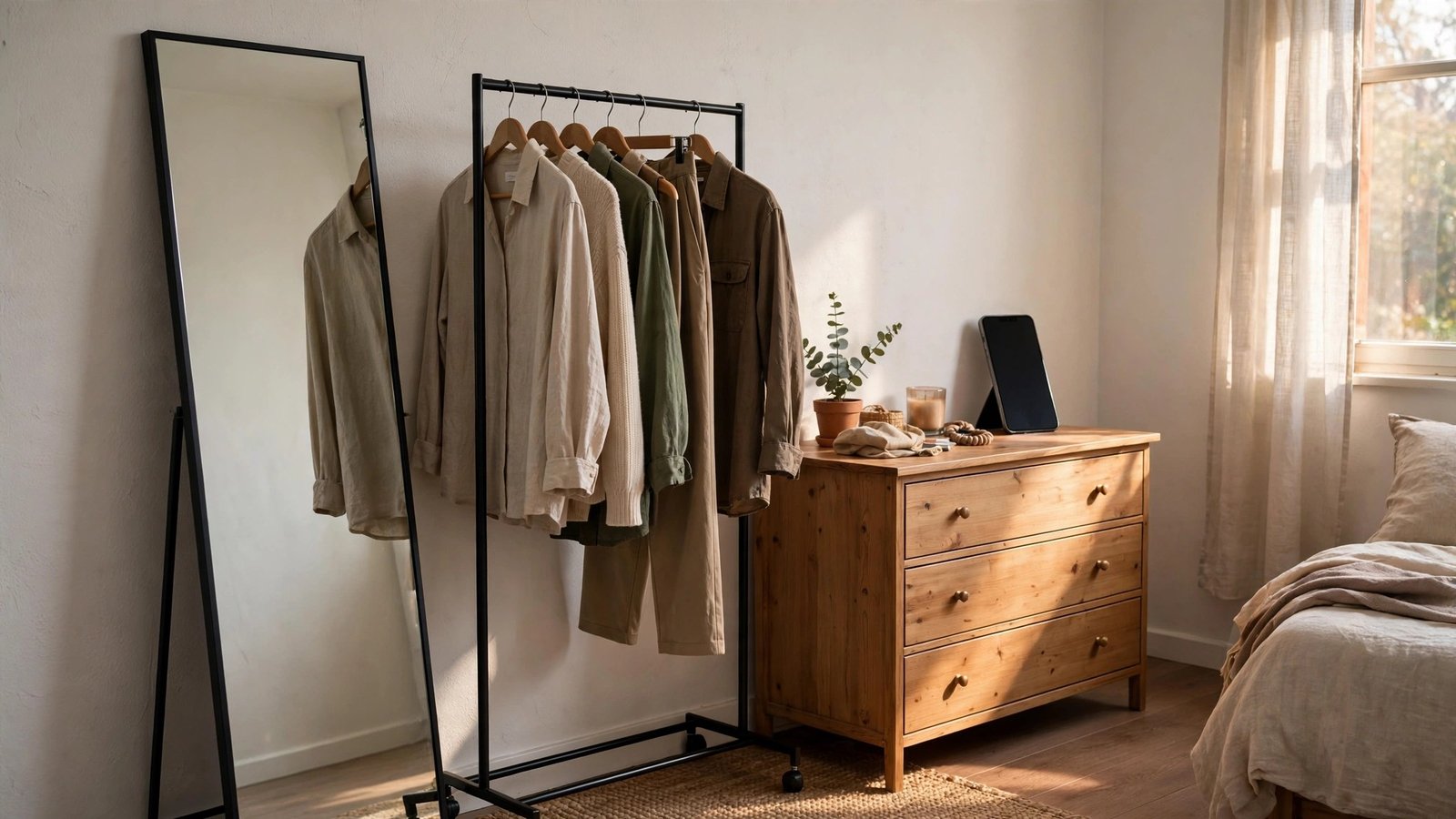
What it is: Upload photos of your clothes and an AI suggests outfits, fills gaps, and sometimes shops your own closet back to you like a personal stylist who never sleeps. Acloset is the best-known example — it builds a digital wardrobe from your photos and generates daily outfit recommendations — and several wardrobe apps, including Whering, have added AI styling features on top of their catalogs.
Why it works for renters: A human stylist costs hundreds of dollars; these apps do a credible version for free, and they’re available at 6:45 a.m. when you’re staring at your closet in a panic. For renters rebuilding a wardrobe after a move — new climate, new dress code, half your clothes still in boxes — an AI that says “wear these three things together” is genuinely useful. Your digital closet also survives every move, so the “stylist” never has to start over.
The privacy tradeoff — read this part: You’re uploading photos of your belongings, and often photos of yourself wearing them, to a company’s servers. Before you commit, read the privacy policy: how long are photos kept, are they used to train models, and can you delete everything permanently? Prefer apps with clear deletion options, upload clothing flat-lays instead of mirror selfies when you can, and revoke access if you stop using the app. I’ve made this the final idea deliberately — powerful tool, but go in with your eyes open.
How to start:
- Upload 15–20 core pieces as flat-lays or hanger photos — no faces needed.
- Set your style preferences honestly (colors you actually wear, dress codes you actually face).
- Ask for five outfits built only from what you own — no shopping suggestions yet.
- Save the combinations that work into a “favorites” album for rushed mornings.
- Review the app’s data settings monthly; delete your uploads if you ever stop using it.
One practical note on getting good results: the AI is only as good as your photos. Flat-lays on a plain background — a bedsheet works fine — give the cleanest cutouts and the most accurate color matching, which means better outfit suggestions. Blurry mirror selfies in yellow bathroom light will get you suggestions for clothes that look nothing like yours. Ten minutes of decent photos up front pays off every morning after.
Approximate cost: Free tiers cover basic AI outfit suggestions; premium styling features run roughly $5–$10 per month.
Conclusion
Here’s what I want you to take away from this deep dive: your closet doesn’t have to be bigger — it has to be smarter. A phone full of well-organized wardrobe tools does what no landlord-approved hardware ever could: it shows you everything you own, builds your outfits before coffee, tracks what things really cost you, and moves with you to every apartment you’ll ever rent. Start with the outfit planner, add the inventory catalog when you’re ready, and let the rest follow naturally. The best part? Almost all of it is free, takes up zero square feet, and never needs a drill, a stud finder, or your landlord’s permission.
You’ve now got the full picture — part one gave you the physical system, and this guide gave you the digital one. Together, they’re everything a renter needs to run a calm, organized wardrobe in even the tiniest closet. Please save this visual guide on Pinterest and share it with a fellow renter whose closet is bursting at the seams — they’ll thank you the next time they move.

Amelia leads HavenlyStyle’s editorial vision with a passion for elegant interiors and practical home living. With years of experience in home décor and lifestyle content, she ensures every article is accurate, inspiring, and easy to follow. From timeless decorating ideas to the latest interior design trends, Amelia is committed to helping readers create beautiful, functional spaces while maintaining HavenlyStyle’s trusted and welcoming voice.